Stop Typing "Link in Bio": How to Auto-Send Links in Instagram DMs When Someone Comments (2026 Guide)
Tired of typing "Link in DM"? Learn how to auto-send links in Instagram DMs when someone comments. Boost sales and save time with our 2026 guide!
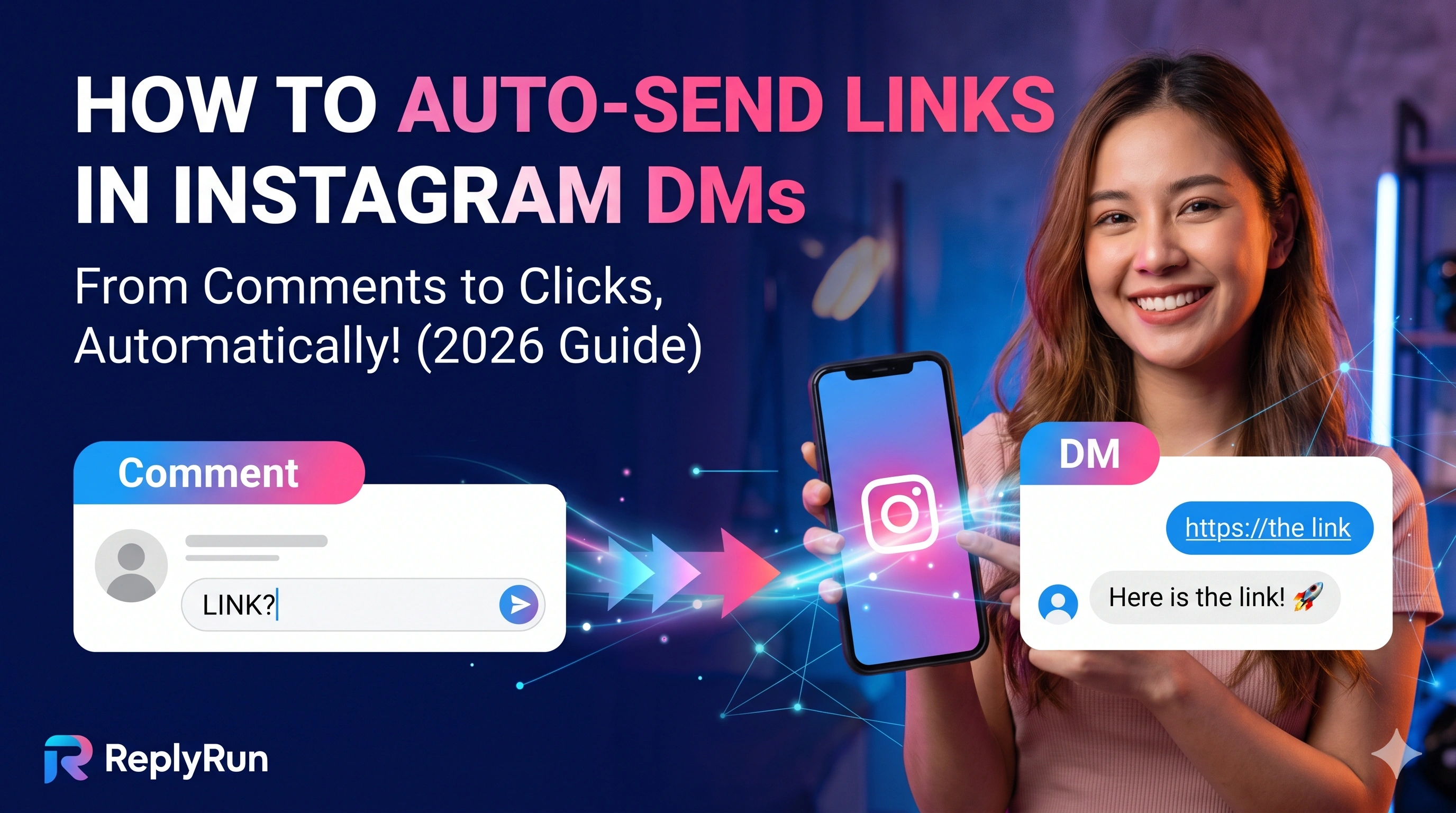
Let’s set the scene. You post a killer Reel, go to sleep, and wake up to a viral hit. The comments section is packed with hundreds of people asking, "Link please?!"
It feels amazing for about five seconds. Then, reality sets in. You now have to spend the next three hours manually copying and pasting the exact same link to every single person. If you miss a comment, you lose a sale. If you reply too slowly, the lead goes cold.
As an Instagram creator, coach, or small business owner in 2026, your time is your most valuable asset. You shouldn't be glued to your phone doing robotic tasks. The good news? You don't have to.
Setting up Instagram comment-to-DM automation is the ultimate growth hack for boosting engagement and putting your sales on autopilot. In this guide, we will show you exactly how to auto-send links in Instagram DMs when someone comments on your posts.
Why You Need Instagram DM Automation in 2026
If you are still telling people to "click the link in my bio," you are leaving money on the table. The modern attention span is short. If a follower has to tap out of your Reel, navigate to your profile, and search through a menu of links, they are probably going to bounce.
Here is why auto-sending links changes the game:
Instant Gratification: Your audience gets what they want exactly when they ask for it.
Skyrocketed Engagement: The Instagram algorithm loves comments. When you ask people to comment a specific word, your post engagement naturally explodes, pushing your content to more feeds.
Zero Missed Leads: An automation runs 24/7. Whether you are sleeping, filming, or on vacation, every interested follower gets a response within seconds.
How Comment-to-DM Automation Actually Works
It sounds like magic, but it is actually a very straightforward process powered by official Meta tools. The workflow generally looks like this:
The Trigger: A follower comments a specific keyword (like "WORKSHOP" or "FREEBIE") on your Post or Reel.
The Public Reply: The system automatically likes their comment and leaves a public reply (e.g., "Sending it your way now! 🚀").
The Private DM: Simultaneously, the user gets a direct message with a personalized greeting and your exact link.
Because it operates on official APIs, it is completely safe for your account. You just need the right tool to set it up. This is where platforms like ReplyRun step in, giving you a Meta-approved way to build these automated flows without touching a single line of code.
Step-by-Step: How to Auto-Send Links in Instagram DMs
Ready to win your time back? Here is the exact process to get your first auto-DM running today.
Step 1: Switch to a Professional Account
Meta requires you to have a Business or Creator account to use automation features.
Open your Instagram app settings.
Scroll down to Account type and tools.
Tap Switch to professional account and follow the prompts.
Step 2: Connect a Meta-Approved Automation Tool
To actually build the automation, you will need third-party software. While there are a few options out there, ReplyRun is built specifically for creators and coaches looking for an intuitive, drag-and-drop experience.
Simply log in to your dashboard, connect your Facebook and Instagram accounts, and grant the necessary permissions. Because ReplyRun is an official Meta partner, your account stays 100% safe.
Step 3: Choose Your Trigger Keyword
Create a new automation rule and pick the keyword you want people to comment.
Pro-tip: Keep it simple! Use short, punchy words like GROW, TIPS, or JOIN. Avoid long phrases that are easy to misspell, which will cause your follower to miss out on the automation.
Step 4: Craft Your DM Message
Now, write the message your follower will receive. Keep it warm, human, and directly related to the content they just watched.
Example: "Hey [First Name]! Thanks so much for the love on my recent Reel. Here is the exclusive link to the masterclass as promised: [Link]. Let me know if you have any questions!"
Step 5: Test and Go Live
Before you hit publish on your next Instagram post, test the automation. Have a friend or a secondary account comment the keyword to make sure the DM fires correctly. Once everything looks good, you are ready to let the automation handle the heavy lifting!
Best Practices for High-Converting Auto DMs
Want to get the absolute most out of your automated links? Keep these quick tips in mind to maximize your conversion rates:
Call it out in your video: Don't just leave the instruction in your caption. Say it directly to the camera: "Comment the word LINK below and I will send it straight to your inbox."
Use text overlays: Put your call-to-action right on the screen so viewers watching on mute know exactly what to do.
Mix up your public replies: If you use a tool like ReplyRun, you can set up multiple variations of public comment replies (e.g., "Check your DMs!", "Sent! 💌", "Gotcha covered!"). This makes your account look incredibly natural and authentic to the algorithm and your followers.
Ready to Put Your Instagram on Autopilot?
Stop draining your energy by manually managing your inbox. Automating your DMs allows you to scale your business, boost your sales, and finally get back to doing what you love: creating amazing content.
If you are ready to turn your comments section into an automated conversion machine, we have got you covered. Start your 30-day free trial on ReplyRun.in today and launch your first auto-reply in minutes!